How to Check Ethernet Connection & Wi-Fi Speed on Windows 10?
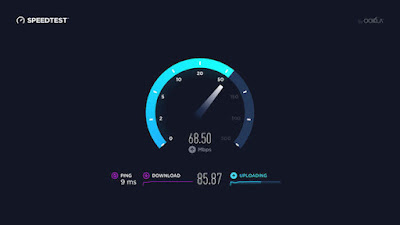
Accessing the internet on a computer gives us the best browsing experience with a compelling user interface and straightforward controls. However, what if you want to track the internet speed on your Windows 10 installed PC? There are plenty of third-party apps on the web that can help you in these aspects, but we are going to tell you the best way of doing this. So, here are the steps to decide Ethernet connection and Wi-Fi speed on Windows 10. Checking Speed of Network Adapter with Settings First of all, you have to launch Settings on your system. After that, you should select the Network & Internet option. Then go to the Status. Thereafter go to ‘Change your network settings.’ Then select ‘View network properties.’ Later, beneath the ‘Properties’ field, locate the option of network adapter (Ethernet or Wi-Fi). You have to decide the speed of connection speed within ‘Link speed (Transmit/Receive) section. Checking speed of network adapter with Control Panel G...